

7 Best Client Management Software for Agencies in 2026

May 21, 2024
As a digital service agency, you are no longer just trying to land your first few clients. You have projects to deliver, a team to manage, invoices to send, and client relationships to maintain. Now you need a system that can keep everything organized as your agency grows.
The right client management software should do more than store contact details. It should help you manage projects, centralize communication, share files, track payments, and give clients a smoother experience—without adding another complicated or overpriced tool to your stack.
I know you did not start an agency to spend hours comparing software. So, I reviewed the leading options, filtered out the tools that are too limited, expensive, or difficult to use, and narrowed them down to seven of the best client management platforms for digital service agencies.
The tools below can help you reduce admin work, keep your team aligned, and manage every client from one organized place.
What is Client Management Software?
Client management software is like having a superhero assistant for your agency. It organizes all your client info, project details, and communication effectively under one roof. You can effortlessly plan projects, assign tasks, track deadlines, etc.
Plus, it accurately logs billable hours, streamlines collaboration, and automates tedious tasks so you can focus on being creative and keeping your clients happy. It’s the ultimate chaos-busting tool for agencies!
7 Best Client Management Software for Digital Service Agencies
The software listed below covers from managing personal clients to small business customers. Get details from most of them and find your best fit right away–
1. OneSuite
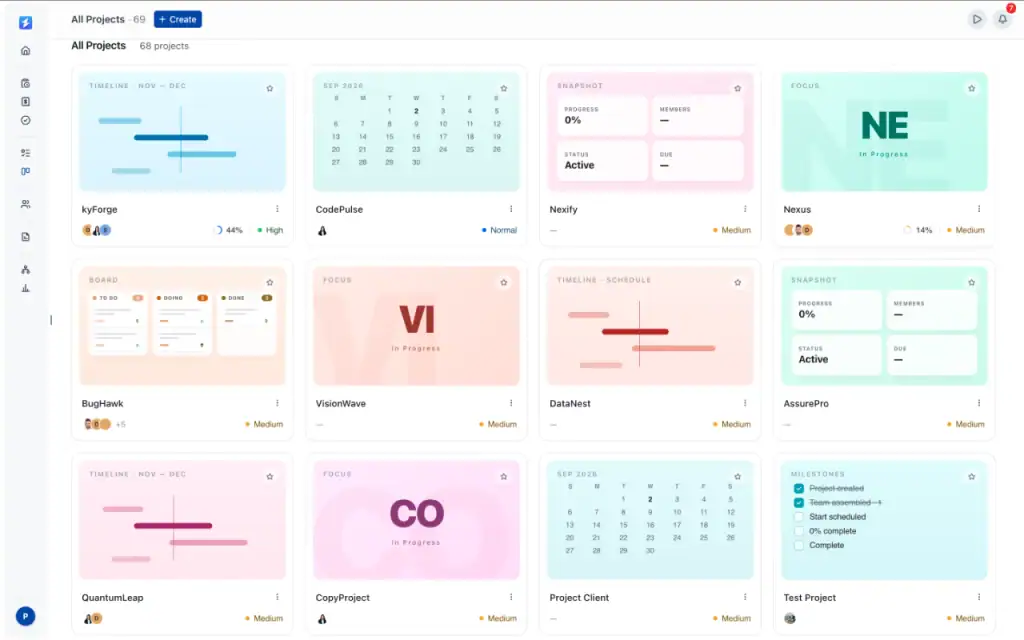
OneSuite is an all-in-one client management platform built for digital service agencies, freelancers, consultants, and growing service businesses.
It brings CRM, project management, client communication, files, contracts, invoicing, scheduling, and client portals into one connected workspace. Instead of managing clients across separate tools, your team can organize the entire client journey—from the first opportunity to project delivery and payment—in one place.
OneSuite is especially useful for agencies that want to reduce administrative work, improve team visibility, and give clients a more organized and professional experience.
Key Features
- My Tasks and Team Visibility: View personal tasks, weekly schedules, deadlines, and team activity from one organized dashboard.
- Custom Client Portal: Give each client a dedicated place to view tasks, files, invoices, meetings, and important updates.
- Project Management: Manage projects using Kanban, List, Calendar, Files, Overview, and Timesheet views.
- Project Templates: Start repeatable projects faster with predefined tasks, workflows, structures, and custom fields. OneSuite also includes more than 40 ready-to-use templates.
- Custom Fields: Track project-specific information using text, number, date, select, multi-select, rating, currency, link, and other field types.
- CRM and Opportunity Management: Organize people, companies, leads, and opportunities through a structured sales pipeline.
- Opportunity Automation: Automatically create and name opportunities when new people are added to the CRM.
- Connected Email: Connect Gmail or Microsoft Outlook and keep client conversations linked to the correct client record.
- File Management: Let clients upload files directly or connect Google Drive and Microsoft OneDrive folders to their portal.
- Meeting Scheduling: Allow clients to book meetings through Calendly, Google Calendar, or Microsoft Outlook without leaving the portal.
- Contracts and Proposals: Create, organize, and manage agreements from one centralized workspace.
- Invoicing and Payments: Create invoices, track payments, and manage billing alongside the related client and project.
Pricing
- Monthly billing: $9 per user per month
- Annual billing: $7 per user per month
Every plan includes a 14-day free trial, white-glove onboarding, unlimited clients and projects, and a 30-day money-back guarantee. Annual billing saves 20%.
Pros And Cons
| Pros | Cons |
| Smooth white-label client portal | Newer platform with fewer integrations |
| Excellent value at $29 for 5 user | Still at early development phase. |
| Easy to use and adopt | No forever free plan |
| Unlimited projects, clients, invoices and documents |
What users say
“I have been using it for approximately 5 months to manage my clients’ projects and to assign tasks to my employees. I like how easy and intuitive it is, as you don’t need to explain to your employees where to find their assignments and documents. It is very functional.”— Pedro C., G2 Review
OneSuite fits solo attorneys and small firms that need intake, client portal, documents, and billing in one flat-rate system. A 5-person firm pays $29/month total; on legal suites, a tier that includes intake features runs $495 to $600 for the same headcount.
Try OneSuite free, no credit card required
2. Kitchen

Pricing
Starts at $29.00 per month, and a free trial is available.
Overview
Kitchen is digital agencies’ ultimate client management software, offering an all-in-one solution that optimizes productivity and fosters seamless communication—centralizing projects and invoices streamlines workflows, ensuring efficiency and client satisfaction.
With Kitchen, everyone stays informed, minimizing confusion and maximizing clarity, resulting in heightened productivity and happier clients.
Read More: OneSuite vs Kitchen: Choose the Right Tool in 2025
Features
Key features of the Kitchen are-
- Everything in the Kitchen is organized and arranged to make you feel at home.
- Every conversation is tidy, like sending messages, sharing notes, keeping chat private, etc.
- Kanban boards for every workflow.
- Exchanging large files with clients and teams. Also allows clients to upload files.
- Creating, storing, organizing, centralizing, and allowing everyone to review the document.
3. Wayfront
Pricing
The pricing plan of SPP Starts at $129 per month with no free plan.
Overview
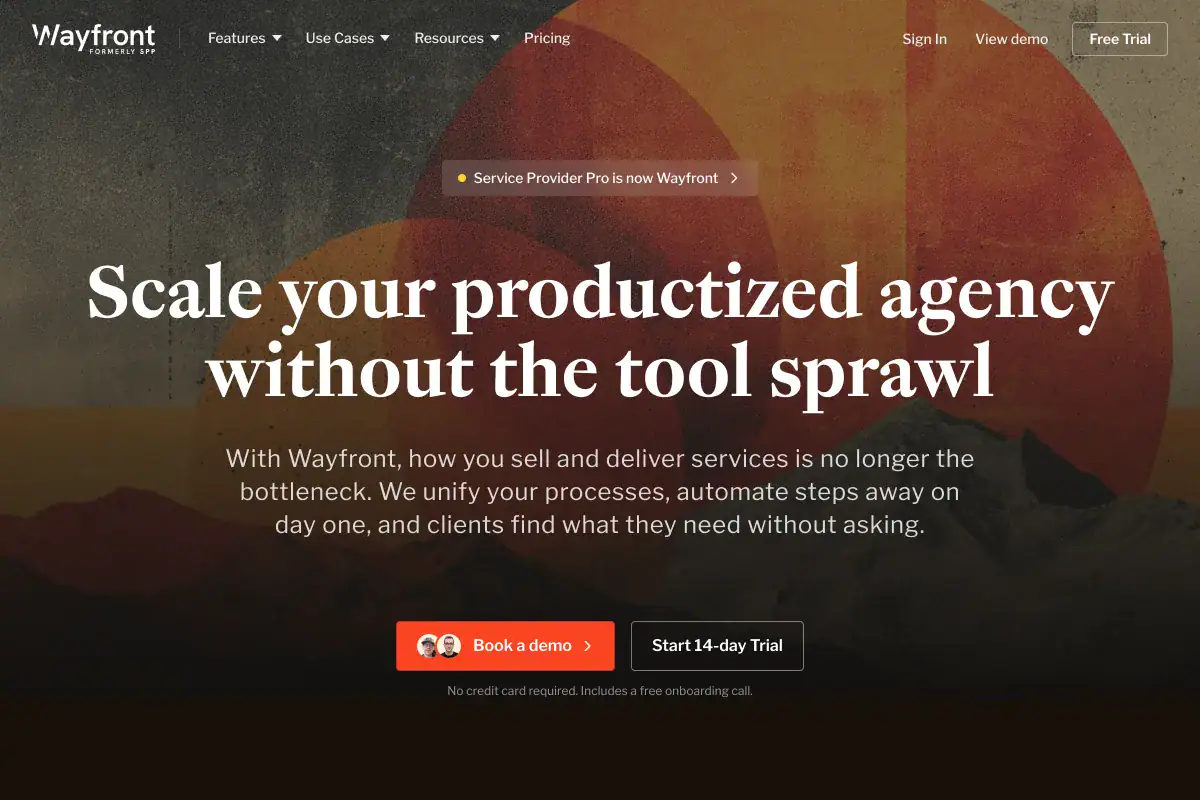
Wayfront is a streamlined workflow for billing and projects. It is designed for productized service agencies such as digital marketing, SEO, web design, and content agencies. Its white-labeled client portal gives you satisfied clients.
SPP provides multiple tools in one place, such as form builders, project management apps, and so on. You can manage your business from anywhere in the world and not even have to install apps, as it works effectively on your browser.
Features
Some best features of SPP are:-
- With the Project feature, assigning work to your team is much easier as it does not require data entry.
- Drag and drop form builder.
- Track your contacts, leads, and clients with SPP’s customer relationship management.
- Sending client payment reminders, invoices, and updates from the agency’s email is convenient. For your team, it will feel like a shared email inbox.
- Service provider pro integrates with many applications, such as Paypal, Zapier, Google Drive, Stripe, Mailchimp, and Google Analytics 360.
💡For more details, read the full blog: Wayfront Alternative, is the new name for SPP.
4. ClientManager

Pricing
Its pricing plan starts from $12/ month with a free 7-day trial.
Overview
ClientManager is a simple client onboarding and management tool for agencies and freelancers.
With the ClientManager, users can systemize the client management process to increase productivity. The ClientManager has plans for all categorized businesses, from small to large. With its drag-and-drop fields, forms can be customized as needed.
Features
Key features of ClientManager
- With ClientManager, creating contracts and proposals for new businesses using e-signature and reusable templates is easy.
- For agencies, billing is necessary in a timely and efficient manner. ClientManager helps you get paid faster and create invoices in under 5 minutes.
- You can see your timesheets in one dashboard, add time entries, and count every minute you spend on your projects, as your rates are automatically calculated.
- With its built-in collaboration feature, you can easily keep track of your clients and projects.
⚡ Read More: OneSuite vs ClientManager: Making the Right Choice in 2025
5. Moxie
Pricing
Starts from $12/month. With no separate free plan.
Overview
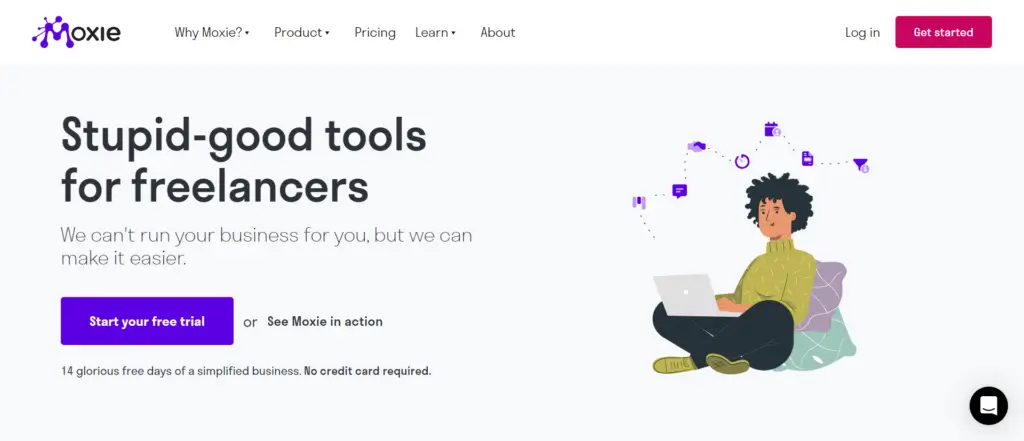
Moxie is wholly tailored to comprehensive freelancers worldwide.
Moxie provides powerful features to simplify your workflow and timesheets, increase productivity, improve efficiency, and win clients.
Businesses require tons of moving parts and With Moxie helps you with agreements, proposals, calendars, client portals, and time tracking so that nothing slips through the cracks.
Features
Core features of Moxie are-
- Managing client information with Moxie’s client management system is one step easier. Its features incorporate many tools, such as a client portal, communication hub, collaboration, etc., which gives you full control of your client relationship.
- Moxie’s accounting tools are a smart package that includes budgeting, invoicing, and expense tracking, so you won’t need to struggle with your business finances.
- Its mobile app gives you the feeling of your business in your palm. You can stay up-to-date with notifications, keep track of your projects, and instantly send invoices; opening a time tracker means counting every minute you work for clients.
⚡Read More: OneSuite vs. Moxie: Which One Is Better as a Productivity Tool
6. Hello Bonsai

Pricing
Starts from $15 per month with a free trial available but no separate free plan.
Overview
Hello Bonsai is cloud-based business management software that offers businesses incredible solutions for managing various aspects of their businesses.
It offers many services for digital service agencies, such as client management, project management, and financial management, including CRM, time tracking, invoicing, file sharing, taxes, contracts, forms, proposals, etc.
⚡Read More: OneSuite vs. Bonsai: Which One is Best for You?
Features
The features of Hello Bonsai are-
- Bonsai CRM software keeps your projects and clients organized under one roof.
- Users can showcase their expertise and sell outstanding customized packages by creating marvelous proposals.
- Bonsai offers smart invoicing software to get you paid on time, which is faster and saves you time.
- With Bonsai’s Business account, save your profit; no fees are required.
- It’s crucial to track your hours; Bonsaii makes tracking your time, client interaction, and projects more accessible.
⚡Read More: 10+ Best Hello Bonsai Alternatives
7. Honey Book

Pricing
HoneyBook pricing starts at $19/month with free trial.
Overview
Honey Book is top-tier client management software for digital agencies. It offers a unified platform to streamline operations for small independent businesses. It simplifies business management, from booking clients to managing projects, handling contracts, and sending invoices.
With intuitive task management features, you can effortlessly track project progress at every stage. Honey Book’s templates make contract creation a breeze, ensuring efficient business management with just a few clicks.
Try HoneyBook Alternatives to explore more client management Software.
Features
Key features of Honey Book are:-
- Honey Book is an all-in-one platform for running your digital service agency. It helps you with everything.
- It integrates with tools you are familiar with, such as QuickBooks, Calendy, Zapier, Zoom, Google Calendar, Outlook Mail, AoI Mail, etc.
- Its Payment Reminder feature is available to get your payment on time. You will not need to chase your clients for payment again. One more facility is that this feature is customizable.
- Users can use templates to sell services, reply to inquiries, attract new clients, book clients, and more.
- Honey book makes meetings two times faster as users can schedule time according to availability and share links with clients.
⚡ Read More: Onesuite vs HoneyBook | HoneyBook vs Dubsado
Comparative Analysis of the Best Client Management Software
After a detailed overview, it’s time to compare each in a nutshell. So, take a tour of the comparative analysis of project management software.
| Software | Free Plan | Starting Price | Highest Price | Best for |
|---|---|---|---|---|
| OneSuite | ❌ | $9/user / Month | $239 Lifetime | Agency owners |
| Kitchen | ✅ | $29 per month | $599 One Time | Client project management and collaboration. |
| Wayfront | ❌ | $129 per month | $1500 per month | Productized service agencies |
| ClientManager | ❌ | $12 per month | $59 per month | Client relationship and project management |
| With Moxie | ❌ | $12 per month | $40 per month | Freelancers |
| Hello Bonsai | ❌ | $15 per month | $59 per month | Freelancer |
| HoneyBook | ❌ | $19 per month | $79 per month | Independent business owners and small businesses |
Which is The Best for You?
Selecting the right software is key to boosting your agency’s performance. With a clear understanding of your organization’s objectives and requirements, finding the ideal client management software becomes precise.
While many tools cater to specific client niches, OneSuite offers comprehensive solutions. If your agency’s main focus is generating more leads, then OneSuite is the ultimate choice.
OneSuite is an exceptional lead-sourcing solution that enables rapid profit growth. Its versatility makes it suitable for various businesses, including freelancers, marketing agencies, social media agencies, and more.
⚡️Read Also: 6 Must-Have Feature in Client Portal
How Do I Pick the Best Client Management Software?
I considered some key points to identify and list the best client management software for digital agencies. These are,
- Pricing Plan: Pricing varies from software to software. Benefits offered by different software should be considered with the price. Compare the pricing with different client management software to match your budget and needs.
- Customer Reviews: Check all the software reviews and read what facts are mentioned in them. Customer reviews can provide valuable insights into products or services that can influence your purchasing decision.
- User Interface: A software’s Interface should be user-friendly and easy to navigate. You should select client management software that is easy to use and does not require technical expertise to navigate.
- Integration opportunities: When choosing client management software, it is essential to check its integration with other cloud-based apps. Well-integrated software lessens the need for manual data entry and automates business workflows.
Frequently Asked Questions are Answered
What is an Agency Management System?
An agency management system is a (SaaS technology) platform that is specially tailored for service-based businesses to streamline their daily workflow.
What is CRM for Digital Agencies?
CRM, or Customer Relationship Management, is a powerful software tool for digital agencies that tracks customer interactions and data.
Why Do Agencies Need a CRM?
Agencies need a CRM for Customer Value, Productivity Boost, Business Growth, Cost-effectiveness, and Enhanced Communication.
Boost Your Agency Business with The Best Software Now
Given the plethora of options available, choosing the best client management software for digital agencies can be challenging. However, the process becomes simple with a clear understanding of your needs.
Take advantage of free trials offered by most software providers. Conduct a brief survey, create a shortlist, and test each tool individually to find the perfect fit for your agency.
Note: If you want to increase leads, contacts, and revenue and garner more reviews, look no further than OneSuite. It stands out as the ultimate lead-generation platform for digital agencies.

Start exploring OneSuite today
No credit card is required