
Best OneSuite Integrations to Connect Your Agency’s Favorite Tools

August 14, 2026
Every agency’s workflow runs across multiple tools. When those tools are scattered across different windows, it’s easy to waste time, lose track of information, and create unnecessary work.
OneSuite helps bring those tools together in one connected workspace, so your team can spend less time switching between apps and more time getting work done.
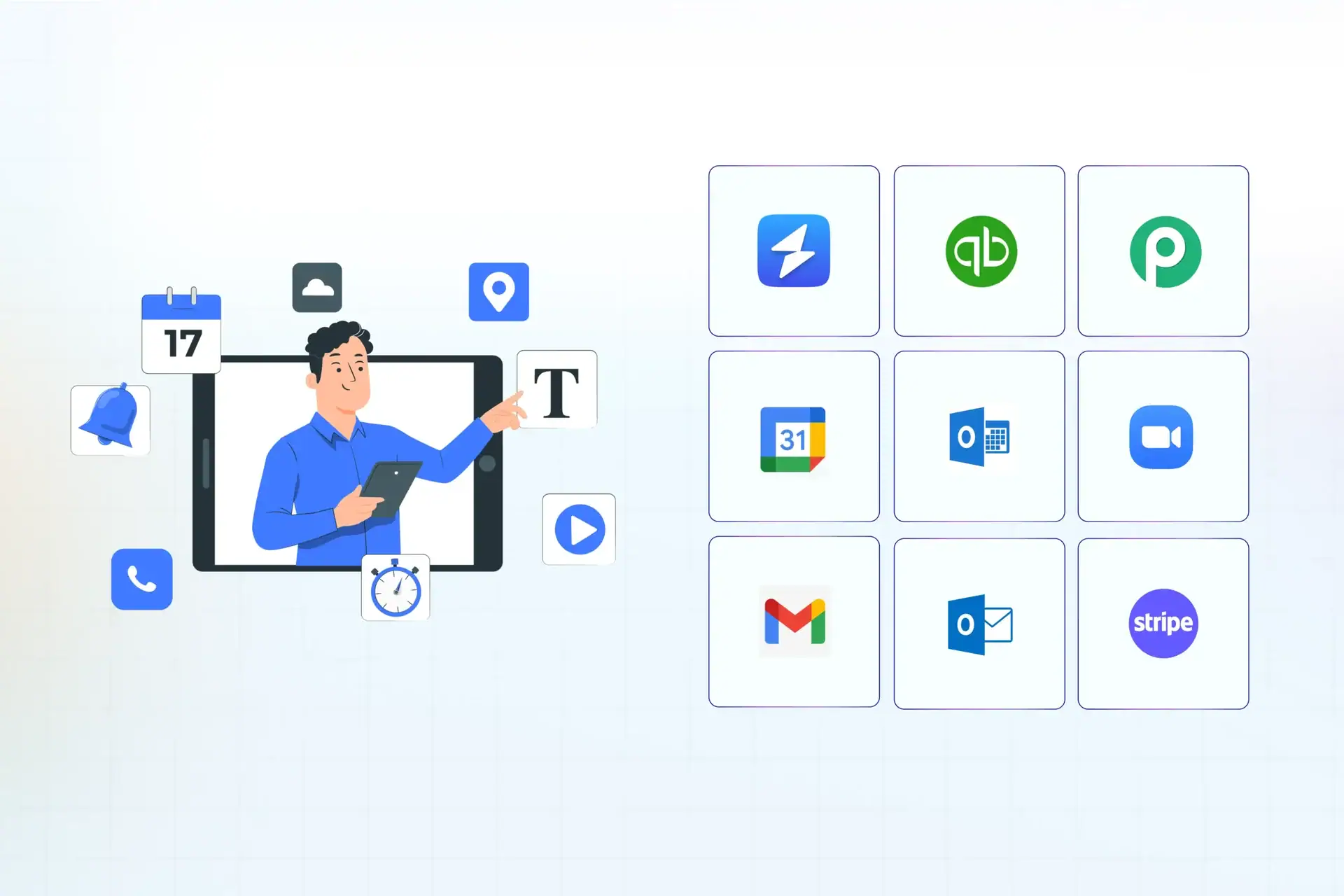
Here are the best OneSuite integrations to connect your everyday tools and simplify your workflow.
| Category | Integrations |
|---|---|
| Calendar | Google Calendar, Outlook Calendar, Zoom |
| Email Inbox | Gmail, Outlook Email |
| Payment | Stripe, PayPal, Regional payment gateways |
| Accounting | QuickBooks |
| Automation | Pabbly Connect |
| Analytics | Google Analytics, Google Tag Manager, Microsoft Clarity |
Why connect OneSuite with other tools?
OneSuite already brings client portals, CRM, project management, invoicing, documents, e-signatures, email, and time tracking into one platform. Integrations extend that workspace into the tools your team already relies on.
That can help in a few practical ways:
- Reduce repetitive work: Stop entering the same information in multiple places.
- Keep data connected: Make it easier for teams to work from consistent information.
- Save time: Spend less time switching between different applications.
- Keep your existing tools: You don’t have to replace every tool your team already knows and uses.
The goal isn’t to build the biggest possible tech stack. It’s to make the tools you already use work better together.
Best OneSuite Integrations
Here’s a closer look at each integration, organized by category, along with what it’s best suited for.
Calendar
Keep meetings, calls, and scheduling in sync with the rest of your client and project workflow.
1. OneSuite + Google Calendar
For many agencies, the calendar is where the workday starts.
Client meetings, internal calls, project deadlines, and other commitments all live there. OneSuite’s Google Calendar integration lets you sync and manage events with Google Calendar.
That means your schedule doesn’t have to exist separately from your client and project workflow.
It’s particularly useful for account managers and project managers who spend a large part of their day coordinating meetings around active client work.
Best for
Agencies that use Google Workspace for scheduling.
2. OneSuite + Outlook Calendar
Not every team runs on Google.
For agencies using Microsoft tools, OneSuite supports Outlook Calendar, allowing you to sync and manage calendar events between the two platforms.
This is useful when your team already depends on Microsoft 365 and wants to keep scheduling connected to the rest of its agency workflow.
Best for
Agencies and service businesses using Microsoft 365.
3. OneSuite + Zoom
Client meetings are rarely just meetings.
A 30-minute Zoom call can result in a new task, a project change, a revision request, or a follow-up email.
OneSuite’s Zoom integration lets you schedule Zoom meetings directly from the Client Portal and manage video calls in one place.
That creates a smoother experience for both your team and your clients. They can interact with your agency without having to navigate a completely disconnected meeting workflow.
Best for
Agencies that regularly meet clients over video.
Email Inbox
Bring client email conversations closer to the projects, invoices, and tasks they relate to.
4. OneSuite + Gmail
Email remains one of the biggest parts of client communication.
OneSuite’s Gmail integration connects your Google email inbox with OneSuite, bringing email closer to the rest of your client workflow.
That matters when a client conversation leads to a task, project update, approval, or follow-up. Instead of treating email as a completely separate system, you can keep communication closer to the work it relates to.
Best for
Agencies that manage most client communication through Gmail.
5. OneSuite + Outlook Email
Not every agency runs on Gmail – plenty rely on Outlook for day-to-day client communication.
OneSuite’s Outlook Email integration connects your Microsoft inbox to OneSuite the same way the Gmail integration does, keeping email conversations close to the client, project, and invoice records they relate to.
That means teams on Microsoft 365 don’t have to give up their existing inbox to get the same connected workflow.
Best for
Agencies that manage client communication through Outlook.
Payment
Collect client payments directly through OneSuite, no matter where your clients are based or how they prefer to pay.
6. OneSuite + Stripe
Once a project is delivered, getting paid should be straightforward.
Stripe is a popular payment platform for online businesses, and OneSuite connects with Stripe to bring payment collection into your billing workflow.
For agencies that already use Stripe, this means you can keep the client, invoice, and payment workflow closer together rather than building a separate process around collecting payments.
Best for
Agencies that accept online payments through Stripe.
7. OneSuite + PayPal
Stripe isn’t the only payment option.
OneSuite also integrates with PayPal, giving agencies another way to collect online payments from clients.
This can be particularly useful for agencies working with clients across different countries and markets where PayPal is already a familiar payment method.
Best for
Agencies that accept client payments through PayPal.
8. OneSuite + Payment Gateways for Different Markets
OneSuite isn’t limited to just Stripe and PayPal.
Its live integrations also include CHIP, HitPay, Razorpay, and Quickpay, giving agencies more options depending on where their clients are located and how they prefer to pay.
That flexibility matters for agencies serving clients across different regions. The payment provider that works well for a US client may not be the same one preferred by a client in India, Southeast Asia, or another market.
Best for
Agencies working with clients across multiple countries and payment ecosystems.
Accounting
Keep your billing workflow in OneSuite aligned with the accounting tool your agency already relies on.
9. OneSuite + QuickBooks
Your agency might manage projects and clients in OneSuite while keeping accounting in QuickBooks. That’s perfectly reasonable. You don’t need to move your entire financial operation just because you use an agency management platform.
The QuickBooks integration helps connect those workflows, making it easier to keep your operational and accounting processes aligned.
For agencies, that can mean less manual work when moving financial information between project, billing, and accounting workflows.
Best for
Agencies already using QuickBooks for accounting.
Automation
Connect OneSuite to a wider range of apps and build custom workflows without native integrations.
10. OneSuite + Pabbly Connect
Native integrations are useful, but sometimes the workflow you want isn’t covered by a direct connection.
That’s where Pabbly Connect becomes useful.
OneSuite’s Pabbly Connect integration can help connect OneSuite with a wider range of third-party applications and create custom automated workflows.
This is the integration to look at when your agency has a specific automation in mind.
Maybe you want information from one application to trigger an action somewhere else. Instead of relying on your team to move that information manually, an automation platform can handle the handoff.
Best for
Agencies that need custom workflows beyond OneSuite’s native integrations.
Analytics
Bring website performance and user behavior data into the same workspace where you manage the client relationship.
11. OneSuite + Google Analytics
For marketing and digital agencies, client work doesn’t stop at project delivery. You also need to understand what happened after the website, campaign, or SEO work went live.
Google Analytics provides website traffic and performance data, while OneSuite gives your team a place to manage the client and the work around those insights.
This combination makes sense for agencies that regularly use website performance data in client reporting, strategy, and optimization work.
Best for
Marketing, SEO, and digital agencies.
12. OneSuite + Google Tag Manager
Managing website tracking can become complicated when you’re working across multiple clients.
Google Tag Manager helps teams manage website tags without editing code directly. OneSuite’s integration connects that marketing workflow with the broader agency workspace.
For agencies managing analytics setups, conversion tracking, and marketing campaigns, it can help keep the operational side of that work organized.
Best for
Digital marketing, SEO, and web agencies.
13. OneSuite + Microsoft Clarity
Analytics tells you what visitors are doing. Tools such as Microsoft Clarity can help you understand how they’re doing it.
Clarity provides insights into how users interact with a website, making it useful for agencies working on UX, conversion optimization, and website performance.
The combination is especially useful when website behavior leads directly to new recommendations, tasks, or optimization projects.
Best for
UX, CRO, web design, and marketing agencies.
What’s Coming Next
We’re not stopping here.
Our integration roadmap includes Xero, Zoho Mail, Square, Paystack, Mollie, Xendit, Flutterwave, Crisp, Tawk.to, Toggl Track, Hubstaff, and Apploye, among others.
If your agency relies on one of these tools, keep an eye out – we’re actively building these out. In the meantime, we’d rather be upfront: don’t plan a workflow around an integration that isn’t live yet. You can always check our integrations page for the latest status.
Which OneSuite integrations should you use?
You don’t need to connect everything.
Start with the tools that create the most repetitive work for your team.
If your agency is heavily invested in Google Workspace, Gmail and Google Calendar are natural starting points. If your team runs on Microsoft instead, Outlook Email and Outlook Calendar cover the same ground.
If client communication happens primarily through meetings, add Zoom.
If accounting is handled separately, QuickBooks can help connect your financial workflow with your agency operations.
For payments, choose the provider that matches how your clients pay – whether that’s Stripe, PayPal, Razorpay, HitPay, CHIP, or Quickpay.
And if your workflow involves several applications that don’t have a direct connection, Pabbly Connect gives you more flexibility.
For marketing agencies, Google Analytics, Google Tag Manager, and Microsoft Clarity can connect your client delivery workflow with the data you use to make decisions.
The best integration isn’t necessarily the most popular one. It’s the one that eliminates a frustrating step your team repeats every day.
Build a connected workflow with OneSuite
The point of integrations isn’t to give you more software to manage.
It’s the opposite.
OneSuite brings core agency workflows together, while integrations let you keep using the specialized tools that already work for your team.
So instead of asking whether your agency needs more tools, look at the tools you already have and ask:
Where are we still doing the same work twice?
That’s usually the best place to start.
Explore the full list of OneSuite integrations and see which connections make sense for your workflow.
Start exploring OneSuite today
No credit card is required